

About that Dorico
/So, Steinberg MediaTechnologies GmbH, if that is your real name, we need to talk.
Apparently your team of coders has never considered “ease of use” to be a parameter they need to worry about. How many separate pieces of software do I have to run in order to set up and use Dorico, your entry into the Finale’s Dead What’s Next Pick Me Pick Me sweepstakes?
Dorico itself
Steinberg Download Assistant
Steinberg Activation Manager
Steinberg Library Manager
You think I’m joking.
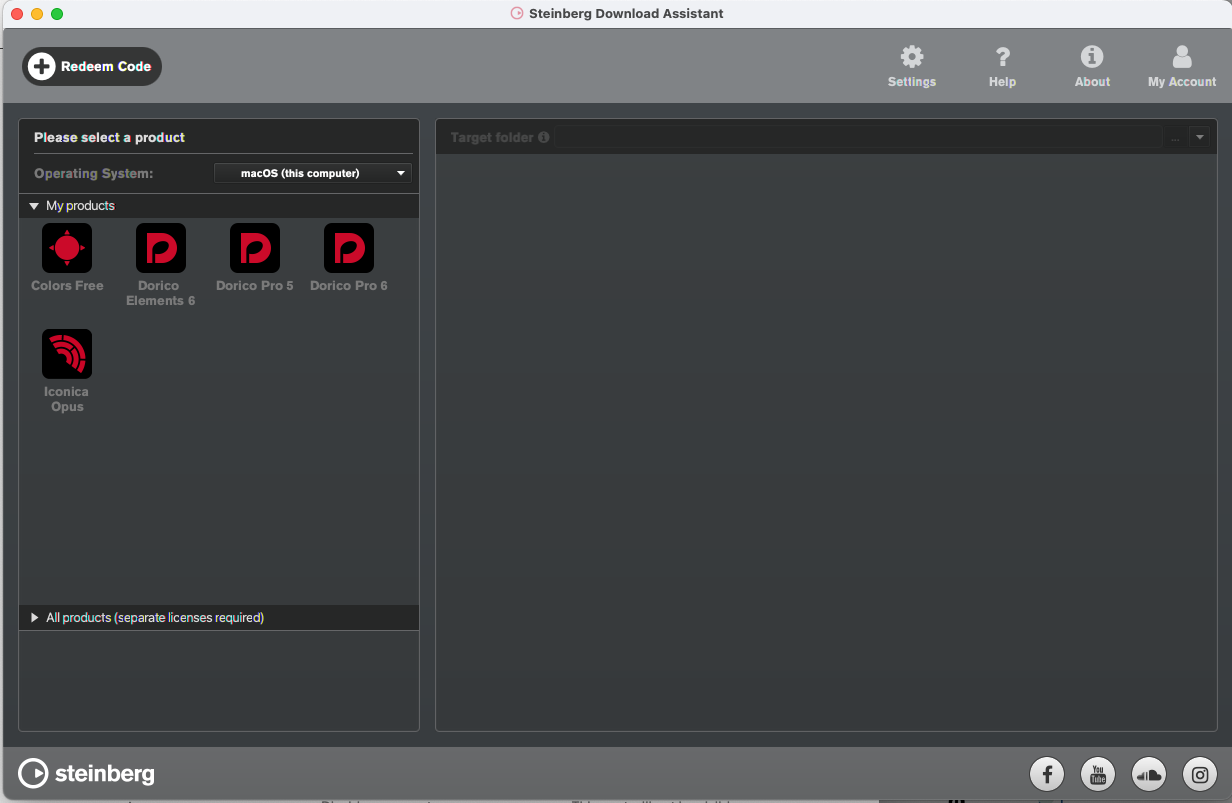
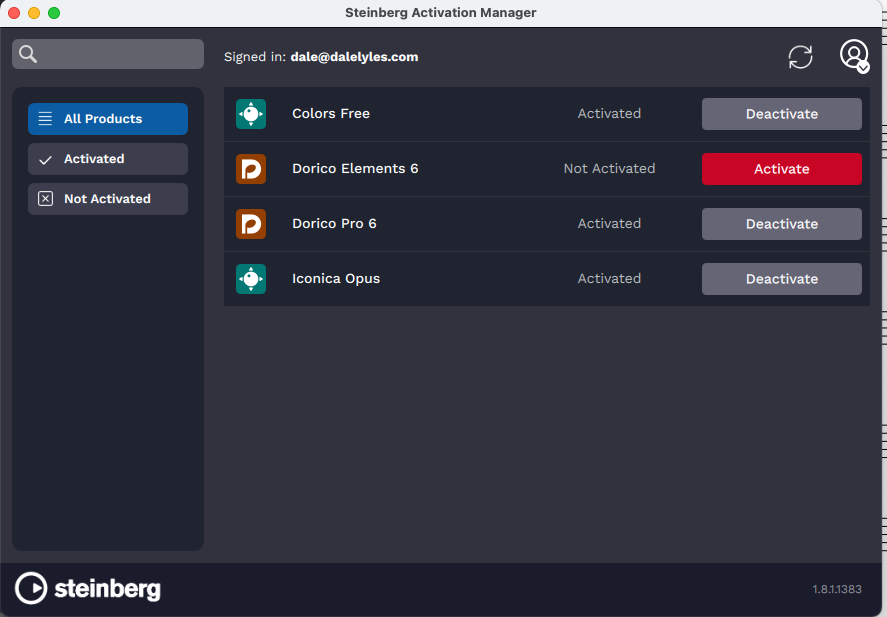
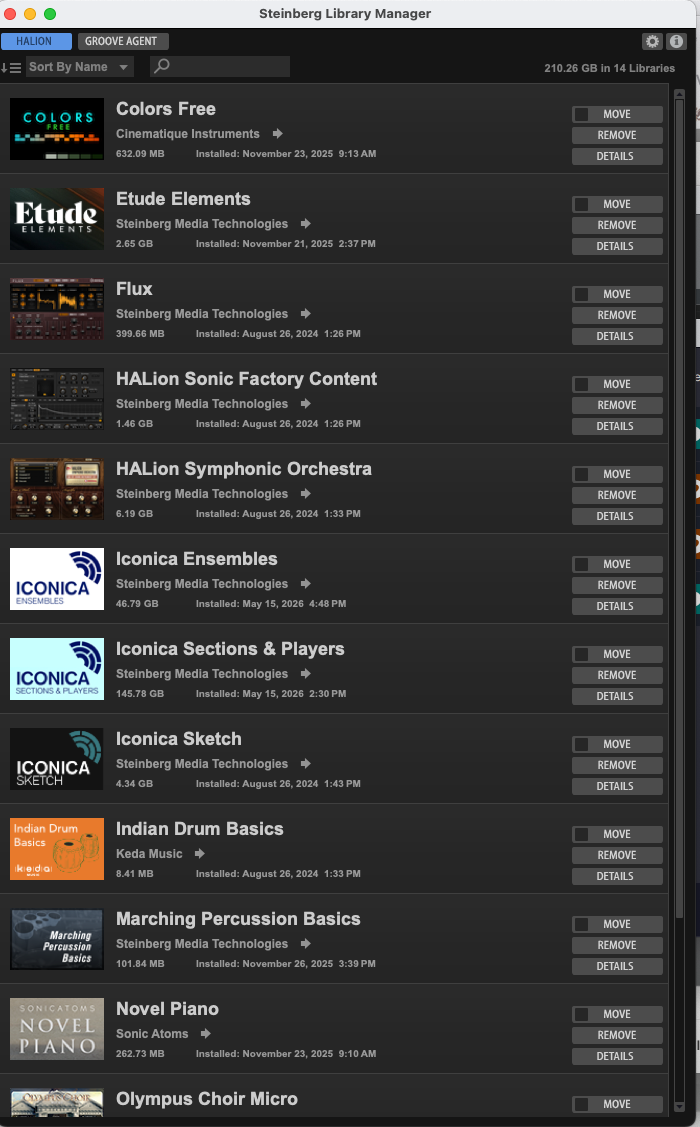
Really, I open up Dorico, thinking I can get some notes squeezed onto the screen before lunch, but no — there’s an update to install, which means I have to open Steinberg Download Manager to do that — and last time I had to update the other three pieces of software as well.
This is not what I think of when I think of “German efficiency,” Herr Steinberg.
Today, however, I want to discuss percussion maps.
What’s a “percussion” “map,” you ask?
Apparently there is no way in this phase of the multiverse to standardize unpitched percussion instruments like woodblocks, cymbals, snare drums, etc., in sound files for programs like Dorico or Finale. Pitched percussion, like xylophones or tympani, get their own staves in a score, but you can pile other stuff into one line for the percussion section to figure out on their own. What would be just a normal F# for a xylophone might be any one of dozens of bangable items, hence the need for a “map” of which note is assigned to which item.
So what was, in Finale, a tight little percussive intro to the Symphony No. 1 for Band becomes something unrecognizable and idiotic when imported into Dorico. Again, this is not unique to Dorico. Finale would botch its own files between upgrades by messing with the “percussion map.”
Where Dorico screws up is making it incredibly complicated to make changes to any percussion map. Here are the screens confronting you:
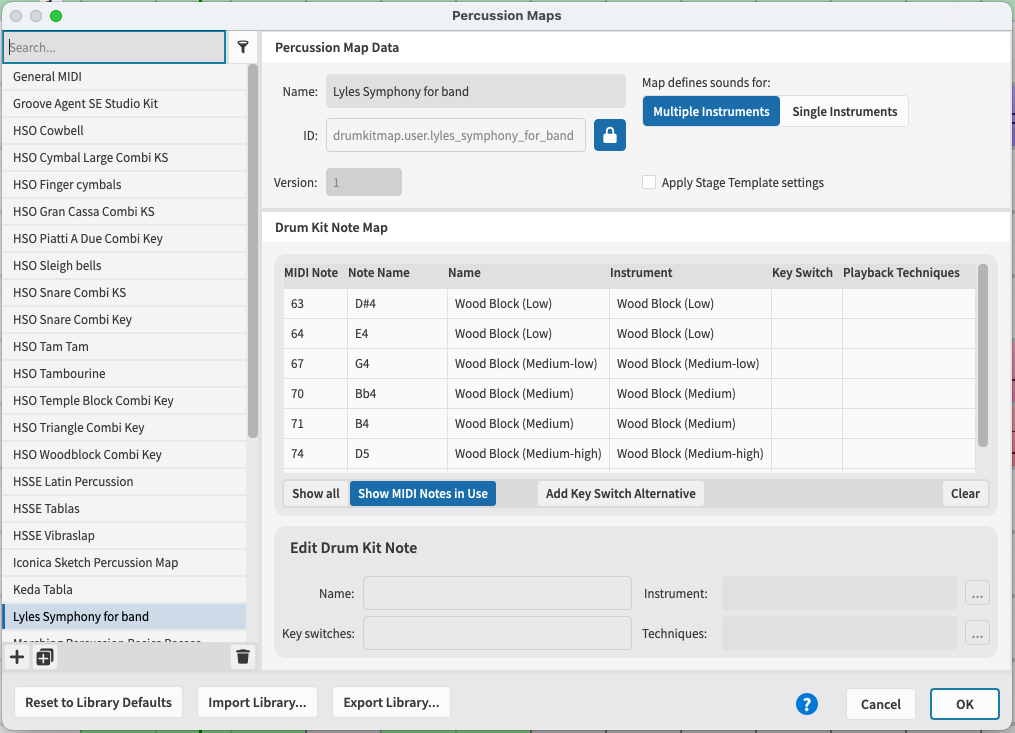
(This was my attempt to create my own percussion map, using the actual notes in the score to trigger the correct instrument. It did not work.)
You also have to attach an “expression map.”
…
I chose the Iconica Sketch Percussion Map. It did not work.
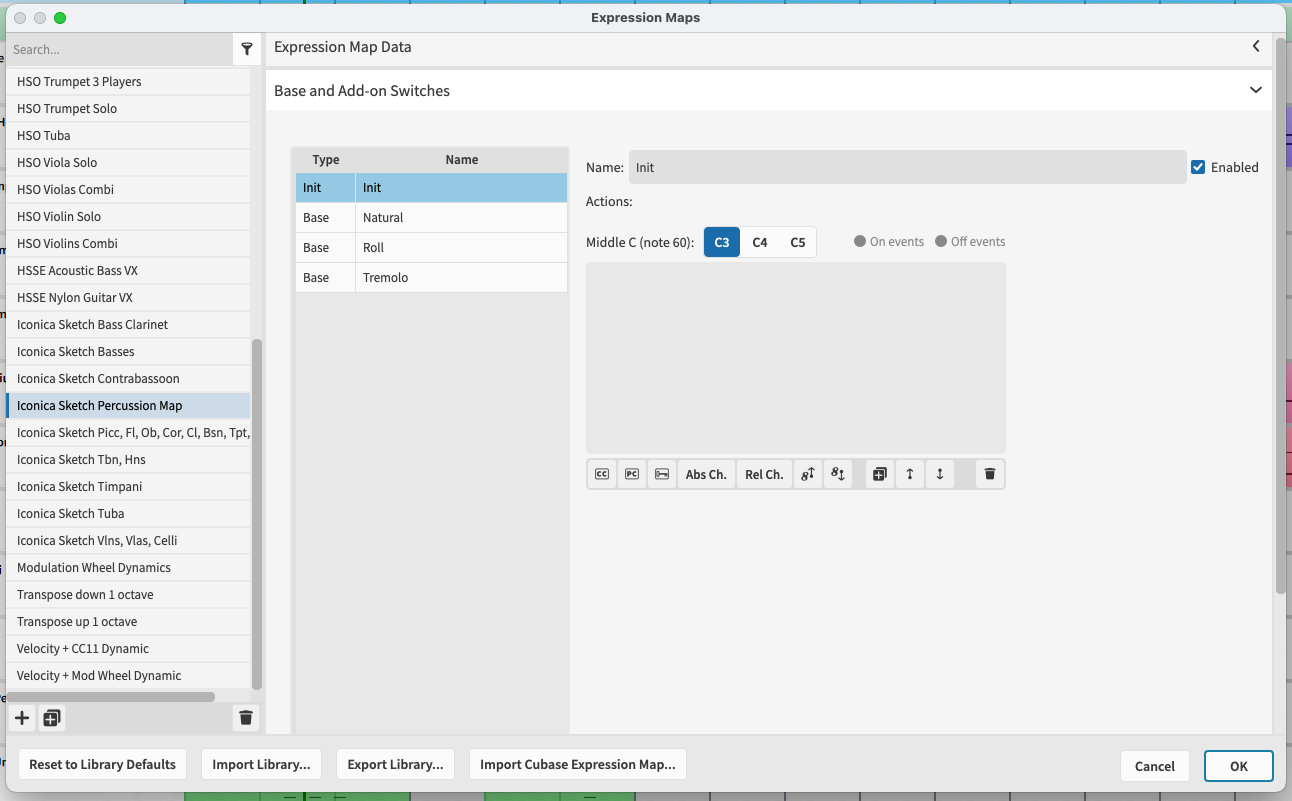
I decided to go look at the help files online.
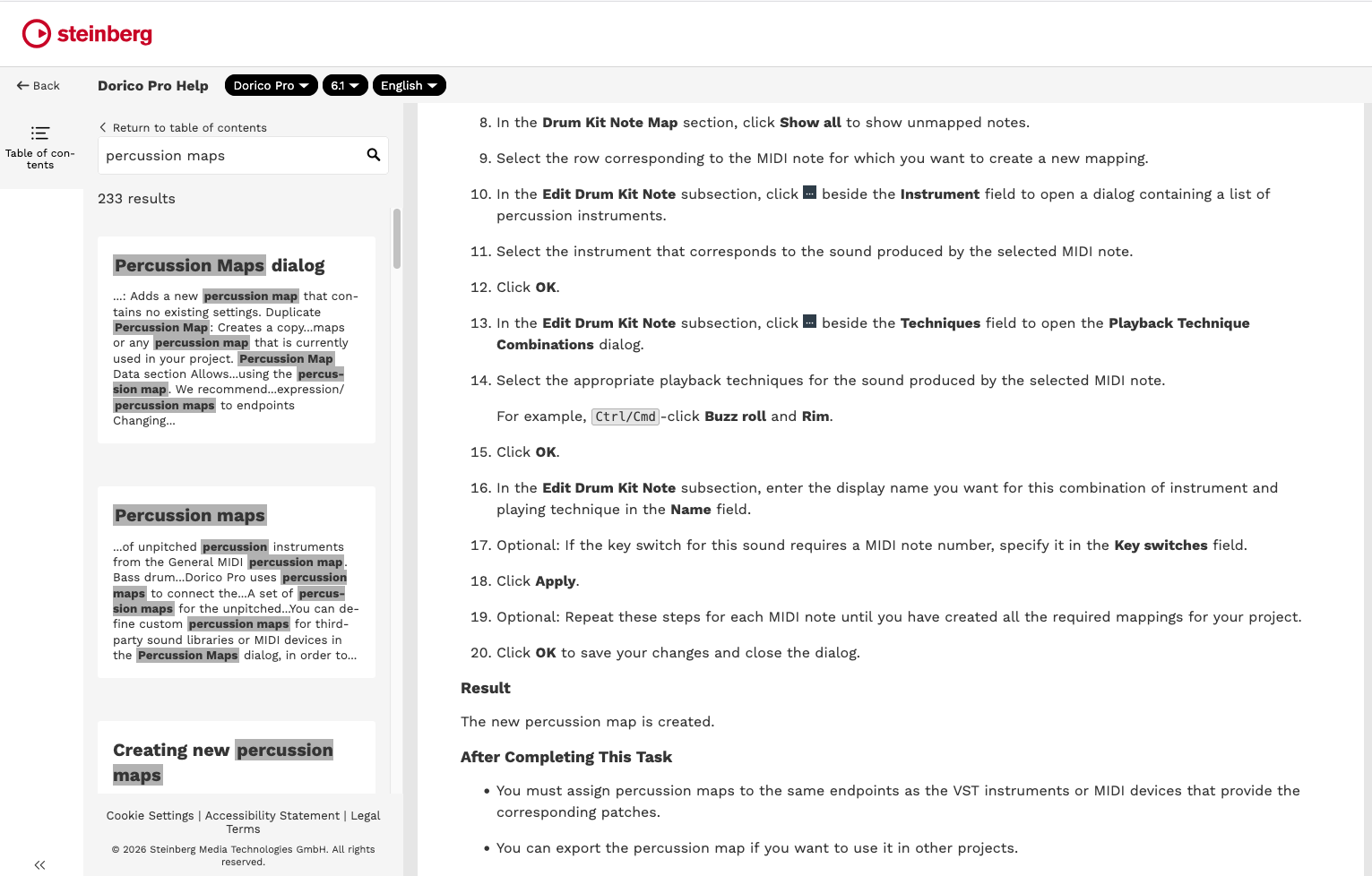
The help files assume that you have absorbed/internalized/actualized the entire dictionary of jargon necessary to make this program work.
Other import issues include:
Text blocks are immovable (Dorico treats text blocks as some kind of monolithic engraving event, instead of a movable label. Therefore, the labels for temple blocks, tom-toms, and bass drum are glued permanently in the wrong place and to the wrong staff/voice.)
The not-cheap orchestral sounds I bought last month do not happen to include some instruments that probably are more likely to be found in concert bands, such as alto or baritone sax. (Still…) Dorico’s solution? Instead of asking when I import the file whether I have any preferences for substitutions, Dorico just switches the instruments to nondescript choral “ahs.”
As we Lichtenbergians always say, “More work is required.”
NEXT: What if I used Dorico’s actual percussion map?
